mirror of
https://github.com/openfrontio/OpenFrontIO.git
synced 2026-06-21 11:00:43 +00:00
 Fx Morin
a883d612e0
Fx Morin
a883d612e0
## Description:
I haven't been able to play openfront for a while now, so today I took
some time to fix the performance issue.
It turns out its `backdrop-filter: blur(5px);` being used on a
background element, causing the entire website to re-paint on nearly
every change.
This causes the game to run at 8 fps on my computer, with chrome
reporting 700ms of INP presentation delay.

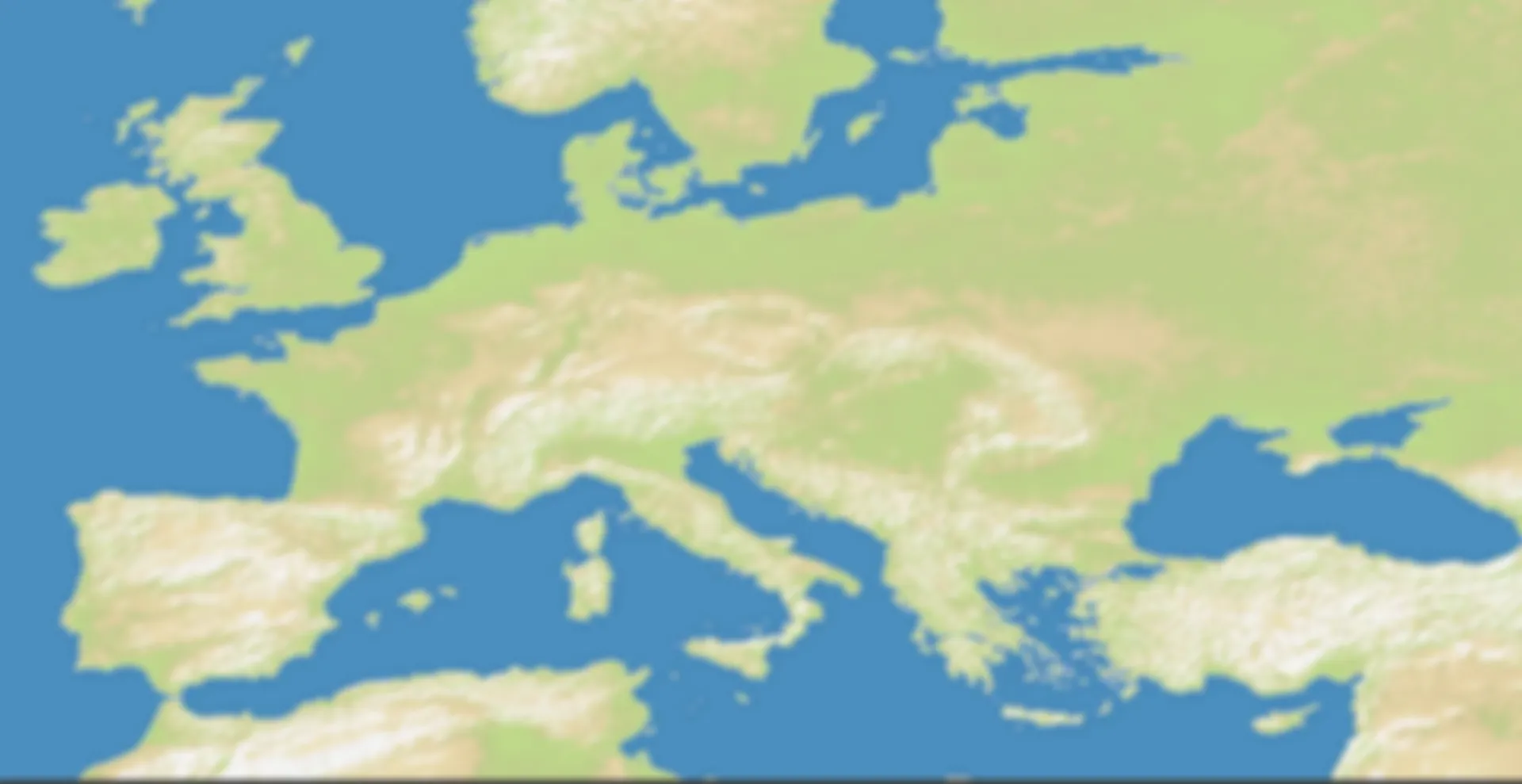
The solution here was simply to pre-blur the background image.

<details>
<summary>Here's the instructions on how to pre-blur exactly like it
currently does</summary>

Install sharp
`npm install sharp`

Run blur
```ts
sharp(`./resources/images/EuropeBackground.webp`)
  .blur(5)
  .toFile(`./resources/images/EuropeBackgroundBlurred.webp`);
```
This could be automated if you plan to do more backgrounds.
</details>


The surprising part is that I'm running a A5000 with a Ryzen 9 5950X. So
I usually never lag from anything, which is what made this kinda
interesting. I assume the issue is caused by my 4K display or Kubuntu.

## Video:
This video showcases the 700+ms of delay on the main menu buttons. Video
is in real-time.


https://github.com/user-attachments/assets/ad5ff509-6bc7-48ff-8cba-85409be774f0


## Please complete the following:

- [x] I have added screenshots for all UI updates
- [x] I process any text displayed to the user through translateText()
and I've added it to the en.json file
- [x] I have added relevant tests to the test directory
- [x] I confirm I have thoroughly tested these changes and take full
responsibility for any bugs introduced

<details>
<summary>Discord Username</summary>

fx.morin

</details>
41 KiB
1920x989px
41 KiB
1920x989px